Loading…
Front desk
Front desk
Keep scanning without internet.
No connection? Keep checking members in. Scans are saved and sent when it’s back.
Step by step
- 1
Keep the scanner open
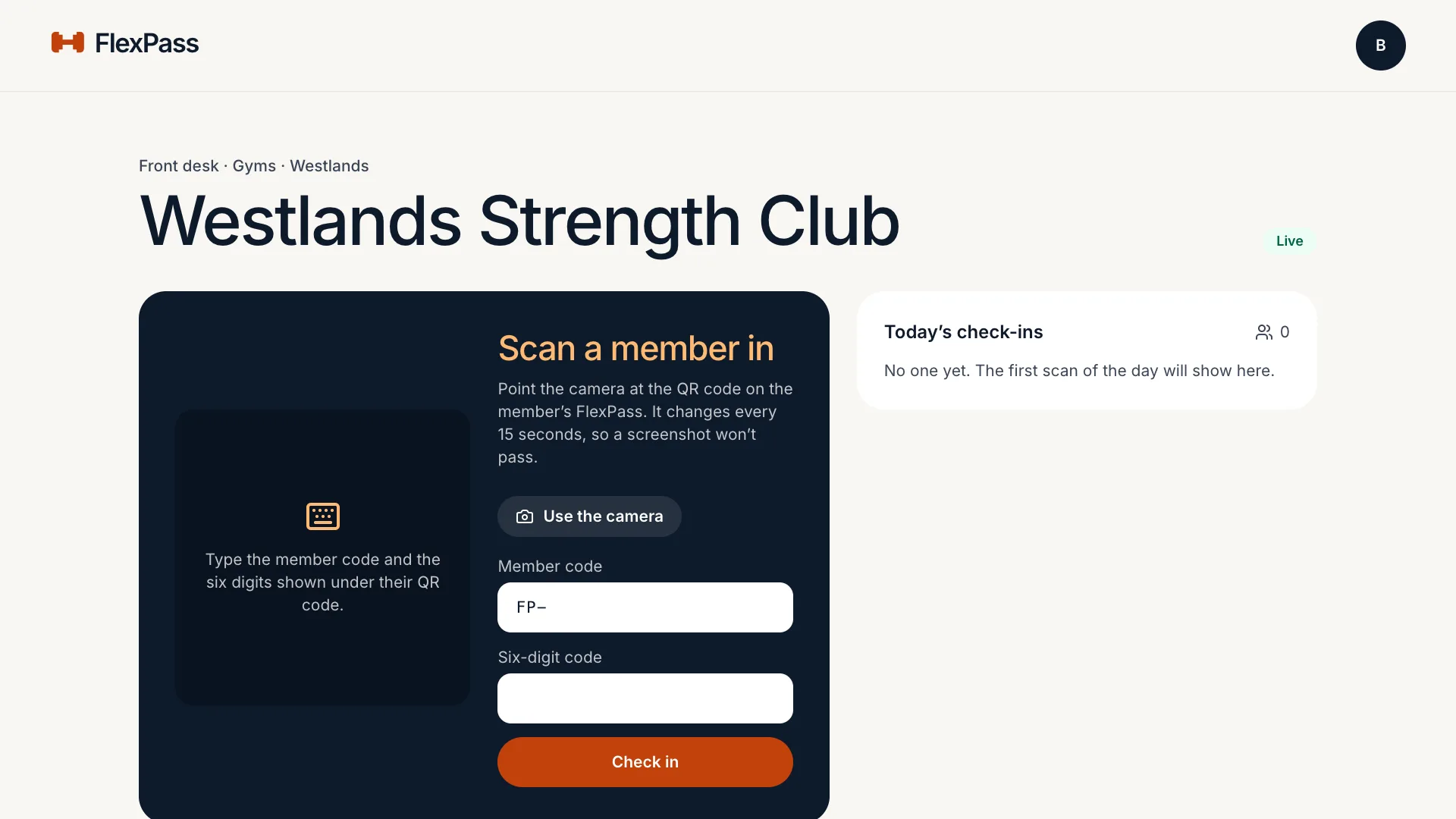
If the connection drops, a yellow note says so. Keep the scanner open and carry on: scans and typed codes still work.
- 2
Check the member in as usual
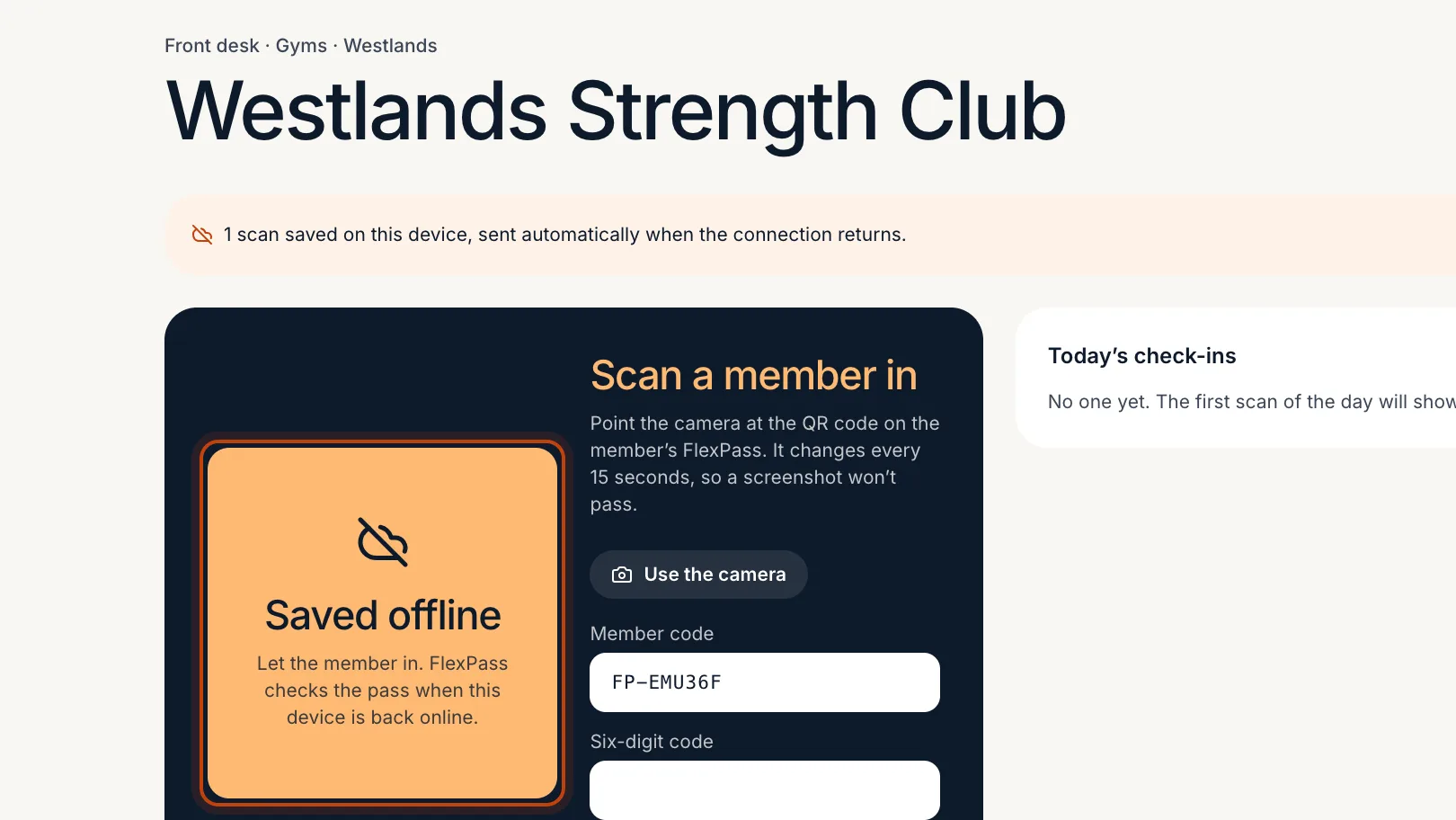
Scan, or type the codes, as usual. The screen says “Saved offline”: let the member in. The scan is saved on this device.
- 3
It’s sent when you’re back online
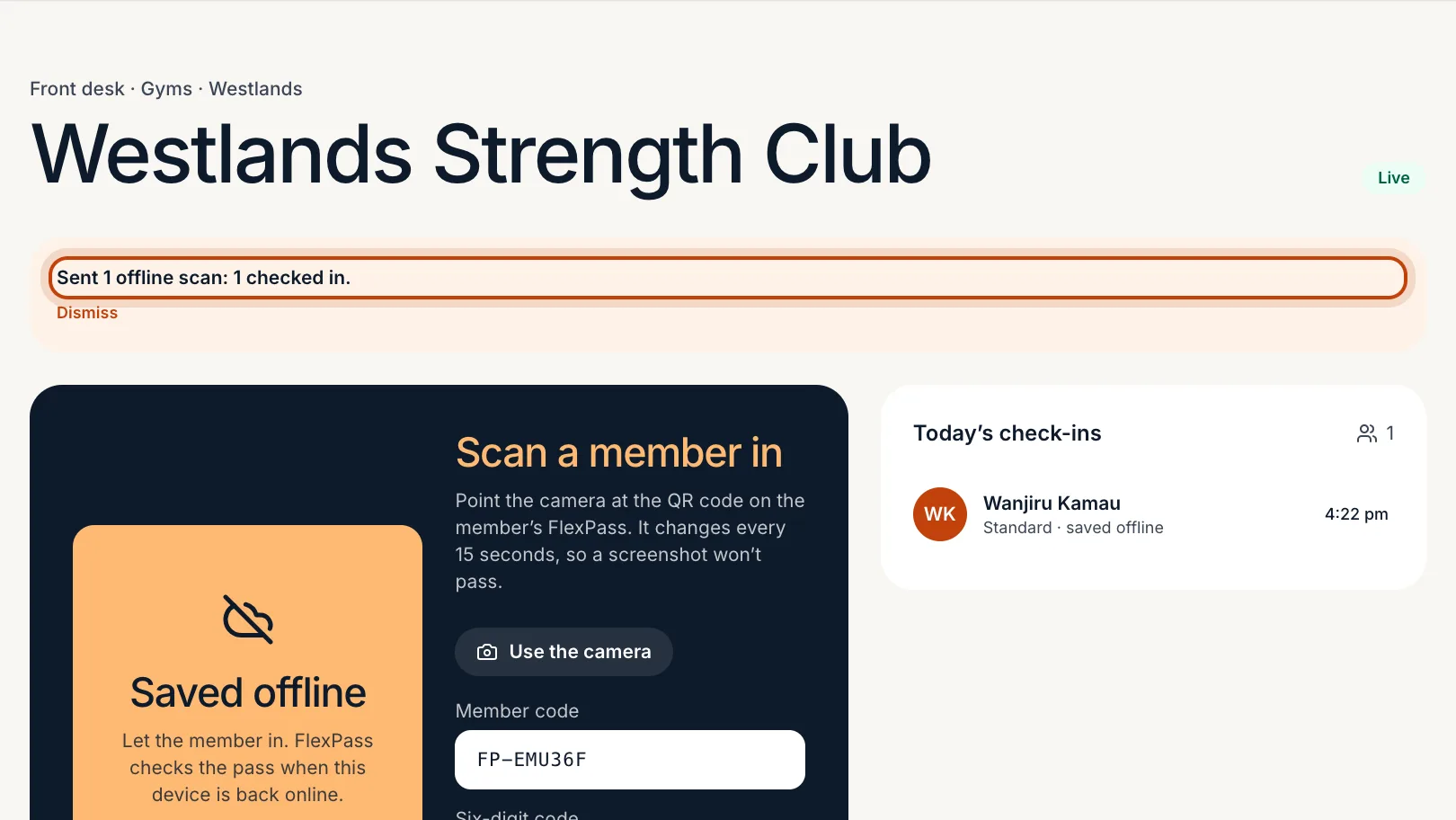
When the connection returns, saved scans are sent automatically and checked. The note tells you how many were checked in. Rarely, one is refused (an expired or inactive pass); the note says why.
Updated 22 November 2026. Screens may differ slightly from what you see.