Loading…
Gyms and studios 44 sec
 46 sec
 41 sec
 42 sec
 47 sec
 45 sec
Gyms and studios
Complete your listing.
Write what members see in the app: a summary, your hours, and a cover photo.
Step by step
- 1
Sign in and open Listing
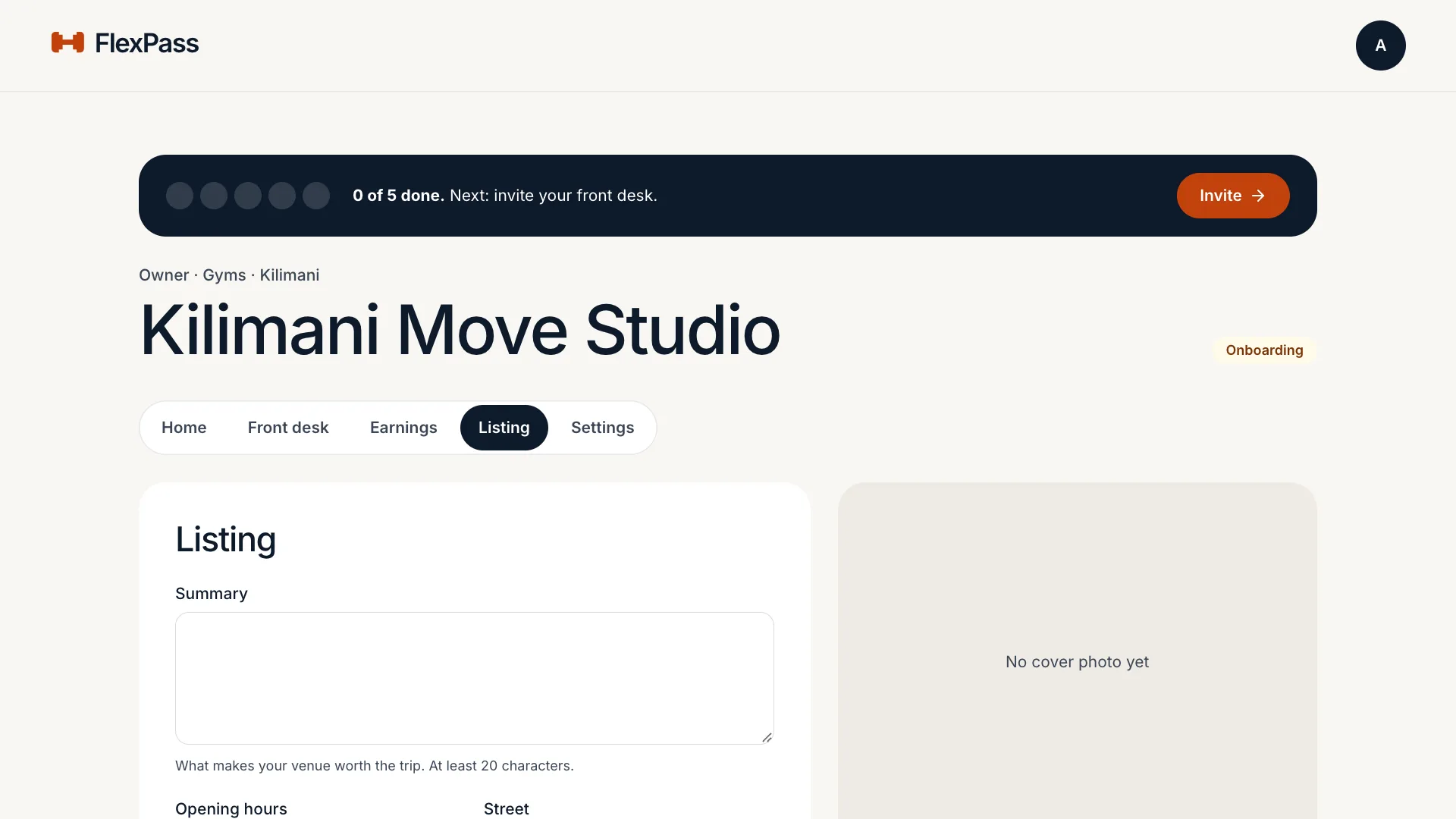
Sign in at flexpass.africa/venue and open the Listing tab.
- 2
Write your summary and hours
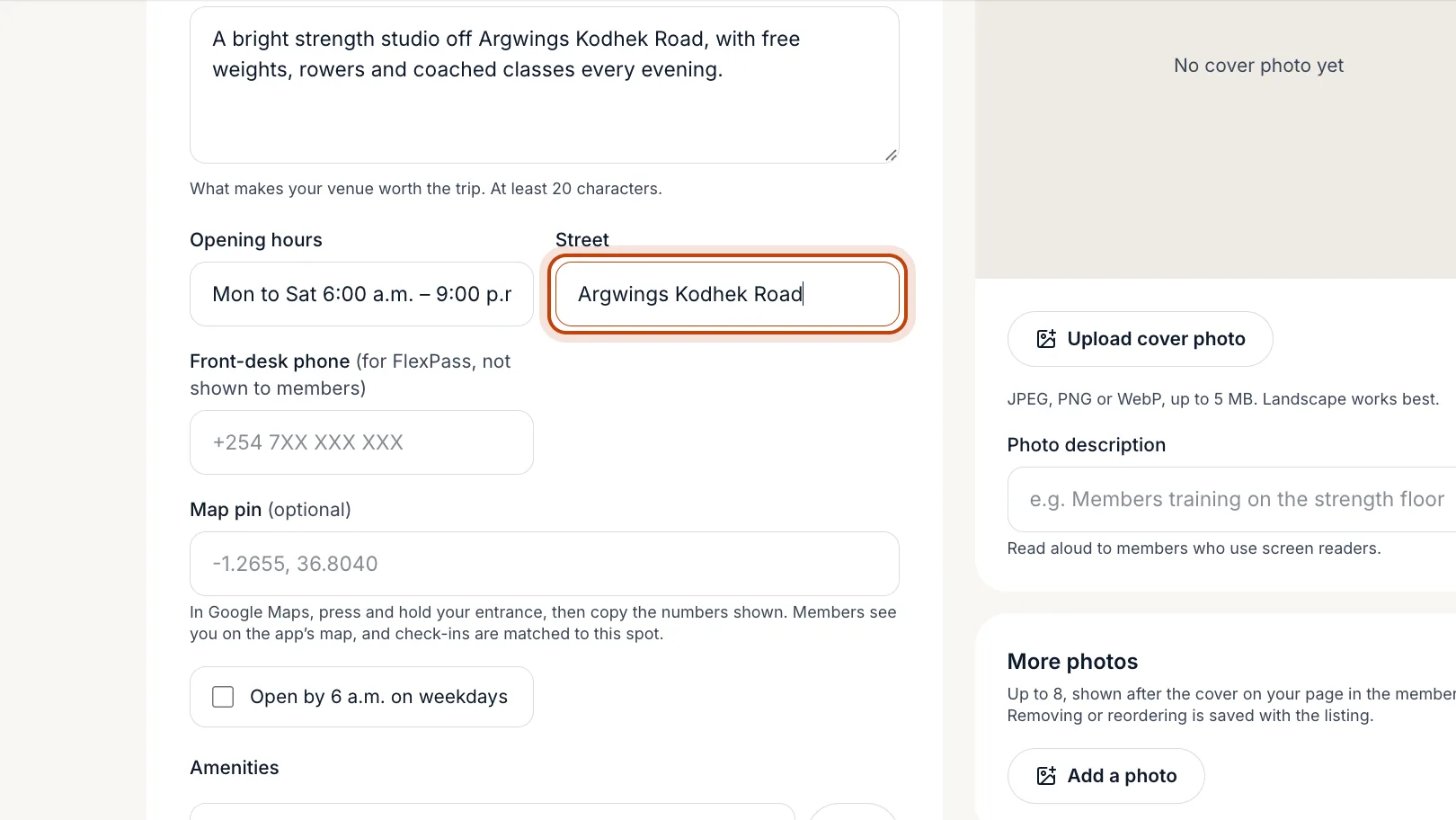
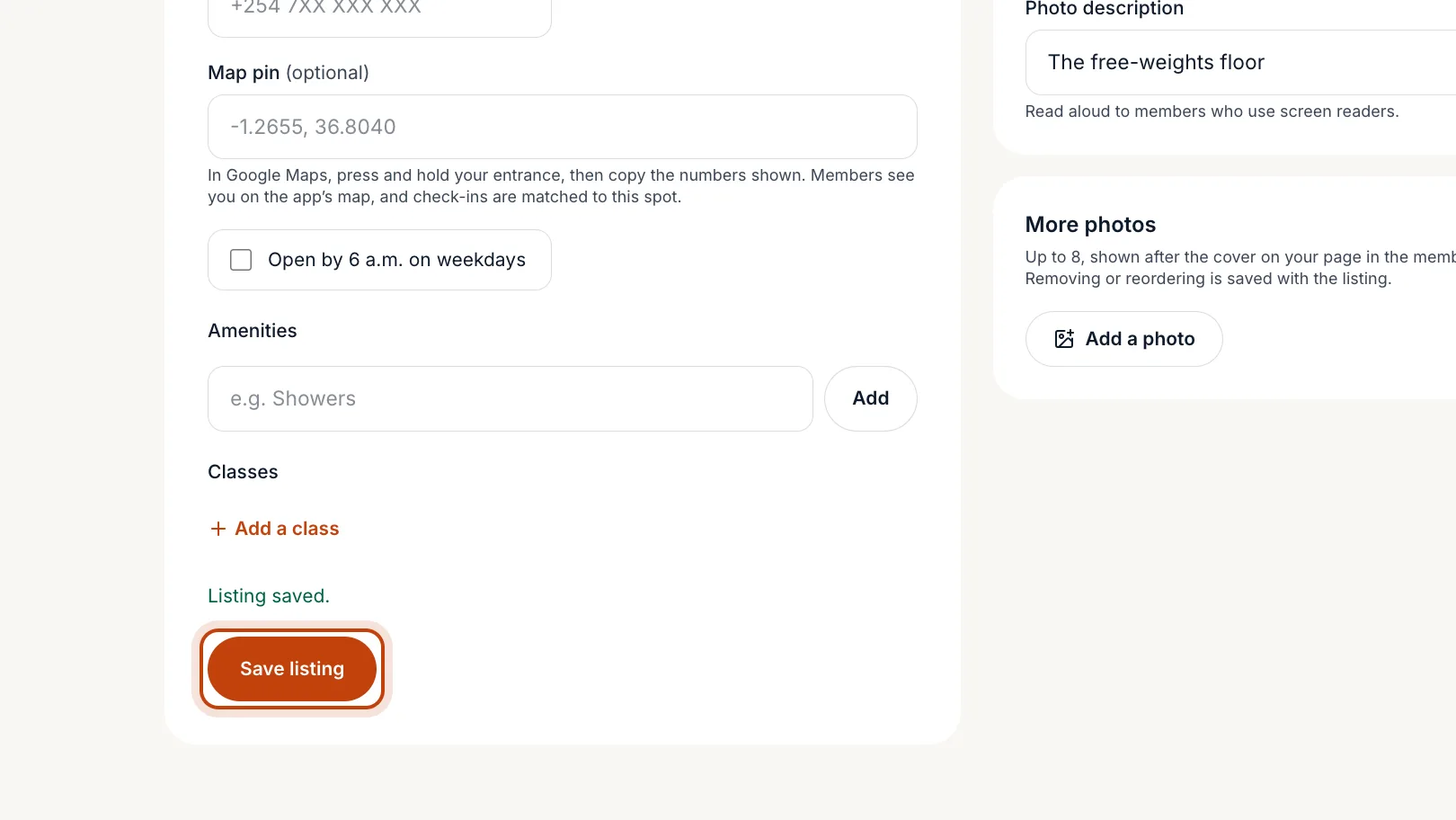
The summary is what makes your venue worth the trip: at least 20 characters. Add your opening hours and street. The front-desk phone is for FlexPass only; members never see it.
- 3
Add a cover photo
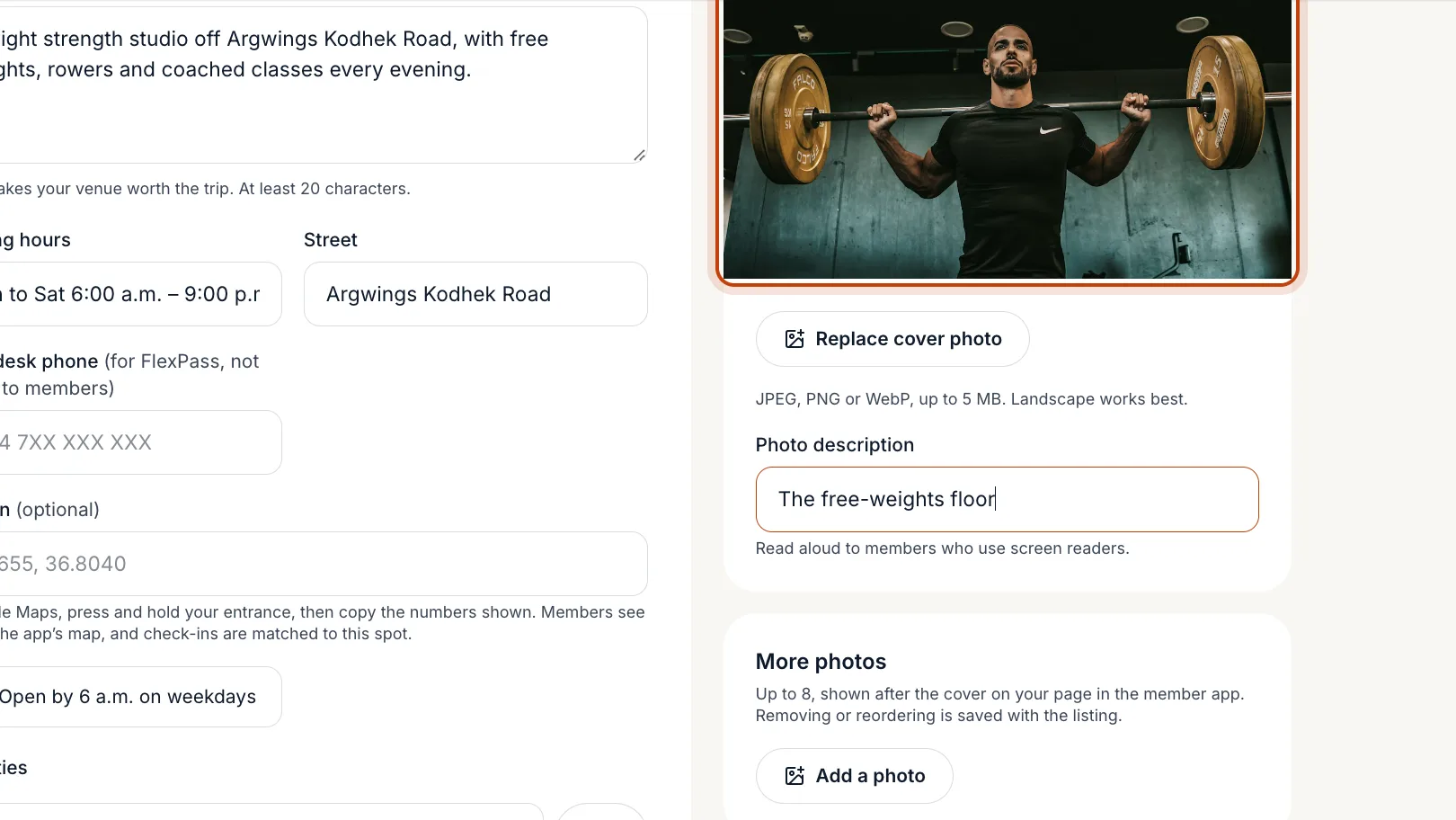
Press Upload cover photo and choose a landscape photo (JPEG, PNG or WebP, up to 5 MB). Describe it in a few words for members who use screen readers. You can add up to 8 more photos below.
- 4
Save your listing
Press Save listing. The setup bar ticks off “Complete your listing”. After you go live, the button says Send for review: FlexPass checks changes, usually within a working day.
Updated 22 November 2026. Screens may differ slightly from what you see.
More for gyms and studios
44 secAccept your invitation
Open the email from FlexPass, join your venue, and see what’s left to set up.
46 secSign the partner agreement
Read the agreement, type your name, and accept it for your venue.
41 secAdd payout details
Tell FlexPass where to pay you: M-PESA Paybill, Till, or a bank account.
42 secInvite your front desk
Give your reception staff their own sign-in, so they can check members in.
47 secSet up a reception tablet
Pair a shared tablet or phone at reception with a code, so it checks members in without anyone’s email.
45 secRead your earnings and statements
See when members come, what each month earned, and when your next payout is due.