Loading…
HR teams 55 sec
 51 sec
 48 sec
 43 sec
HR teams
Accept your invitation.
Open the email from FlexPass, accept, and set a password for next time.
Step by step
- 1
Open the invitation email
Look for an email called “Manage FlexPass for” your company, from FlexPass or a colleague. Press the button in it. The link works for 7 days; if it has expired, ask whoever invited you to send a new one.
- 2
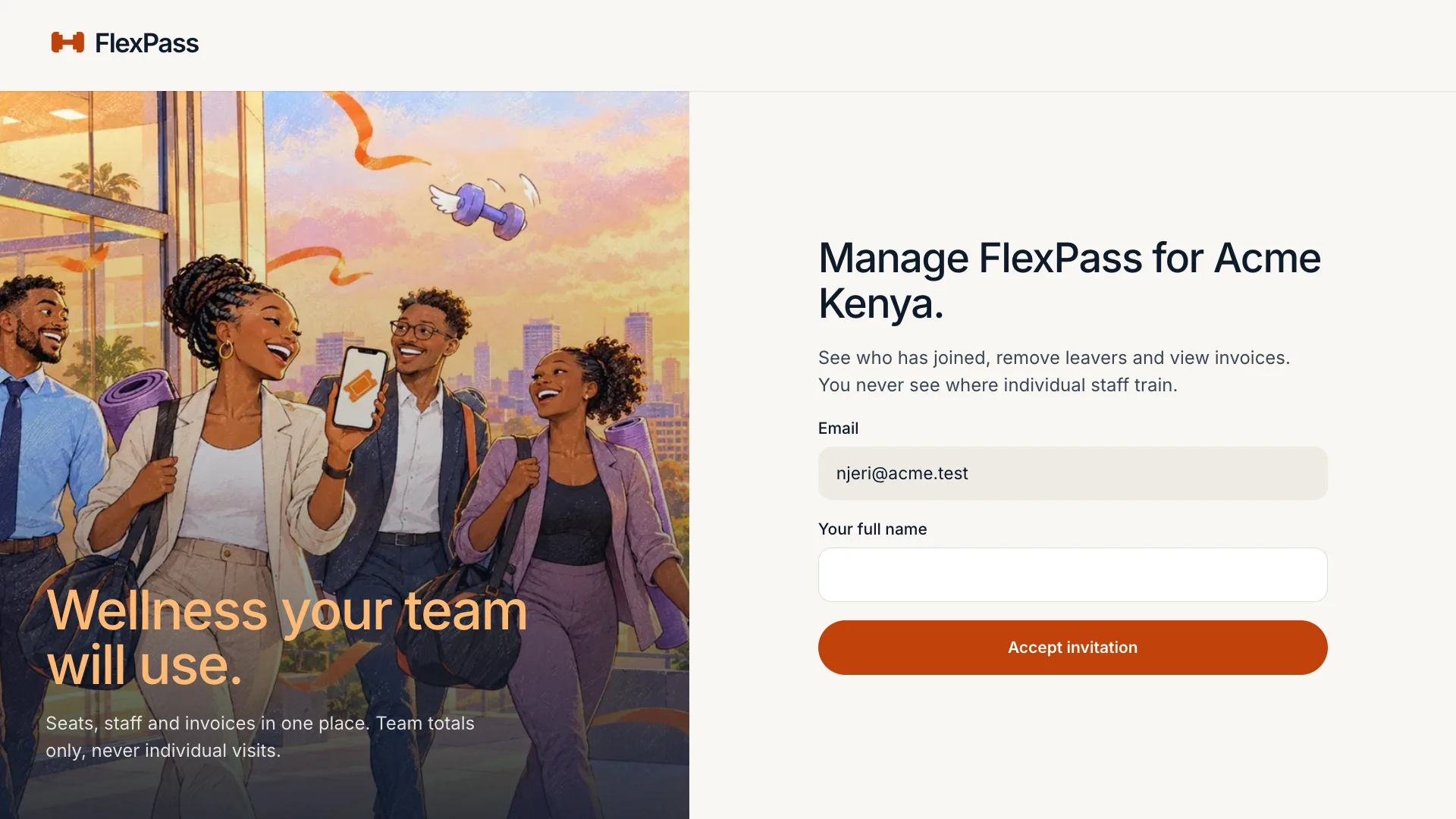
Enter your name and accept
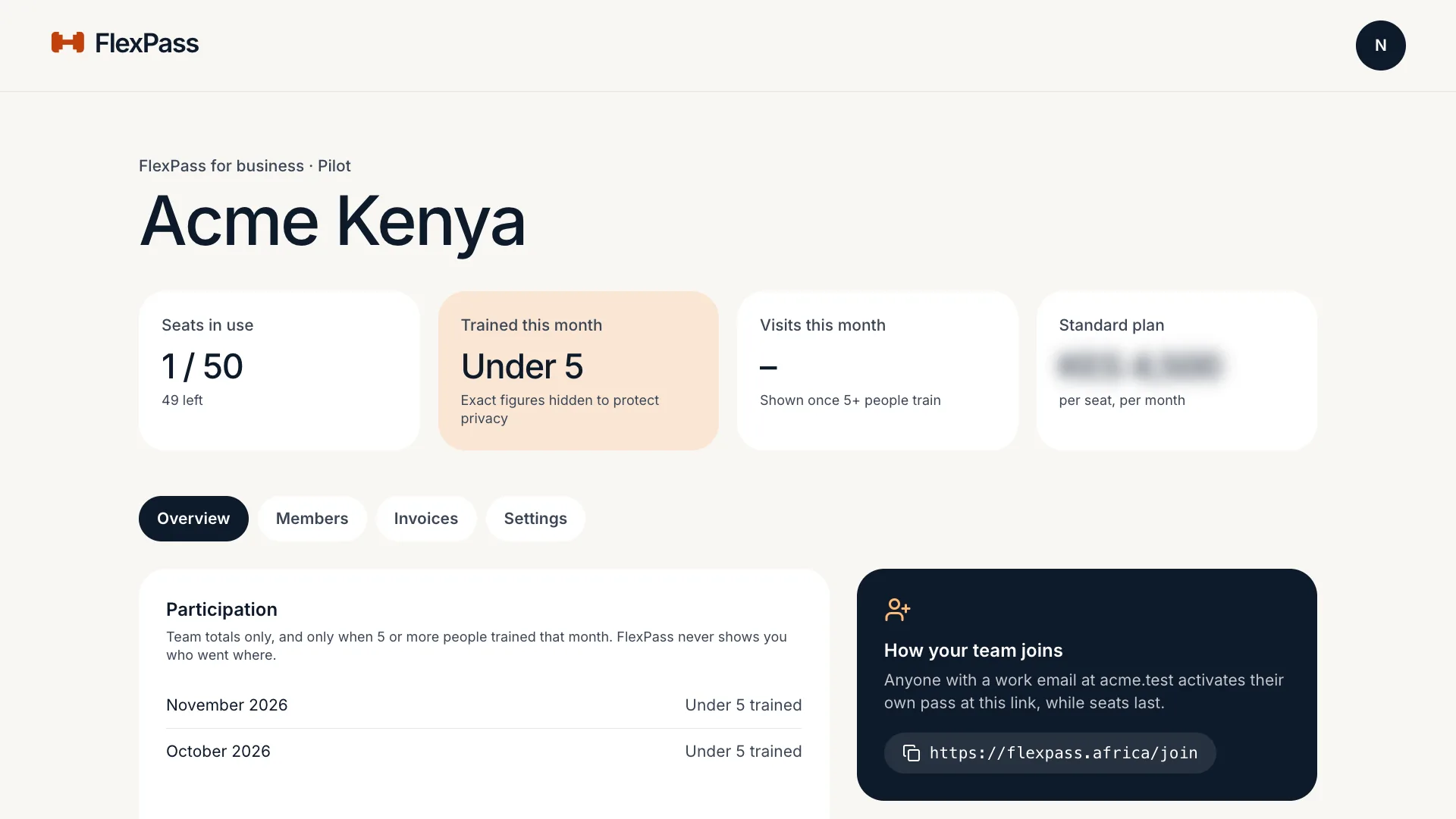
Your email is already filled in. Type your full name and press Accept invitation. Your company’s dashboard opens straight away.
- 3
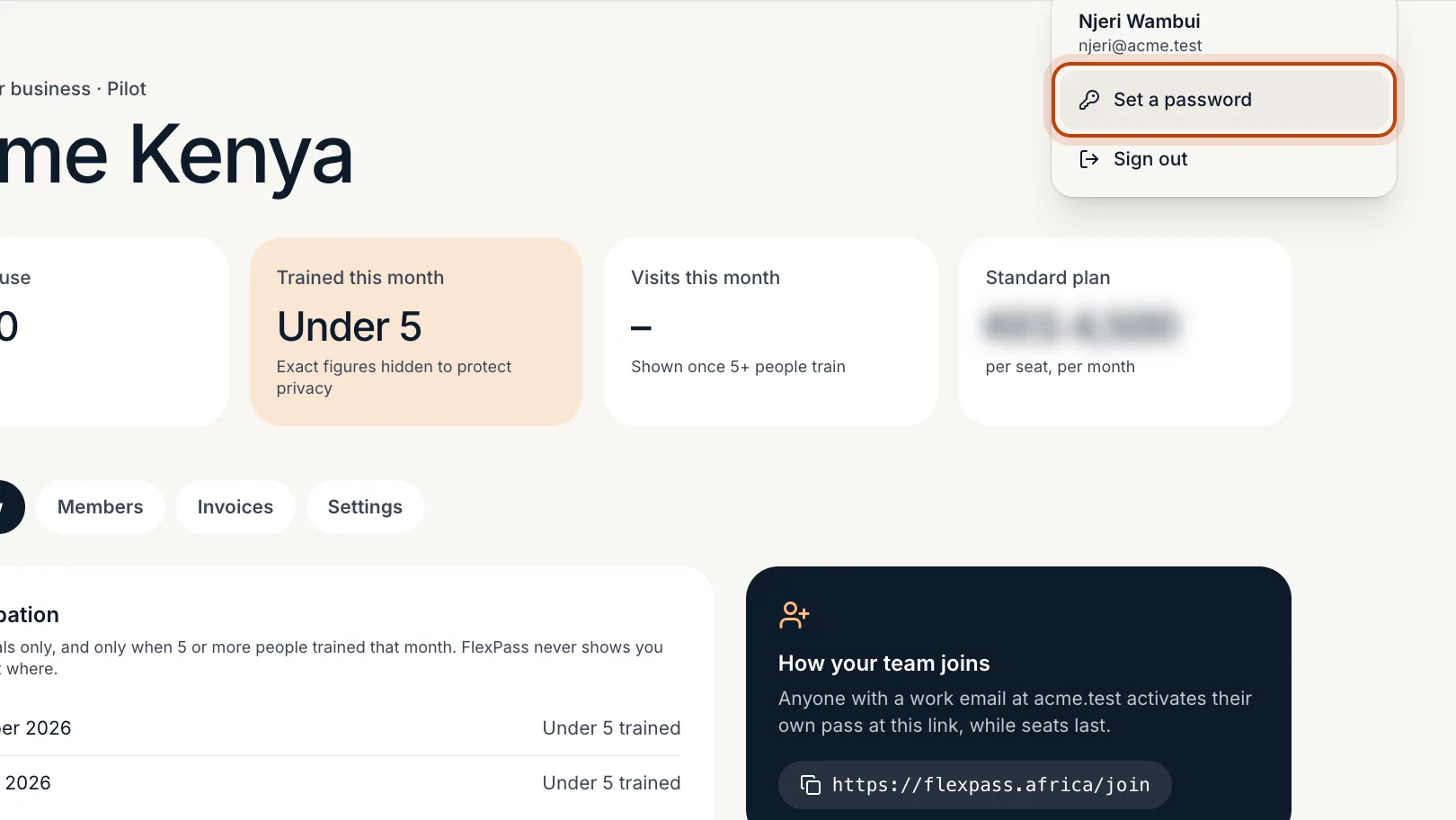
Open your account menu
Your name is at the top right. Open it and choose Set a password, so you can sign in without waiting for an email.
- 4
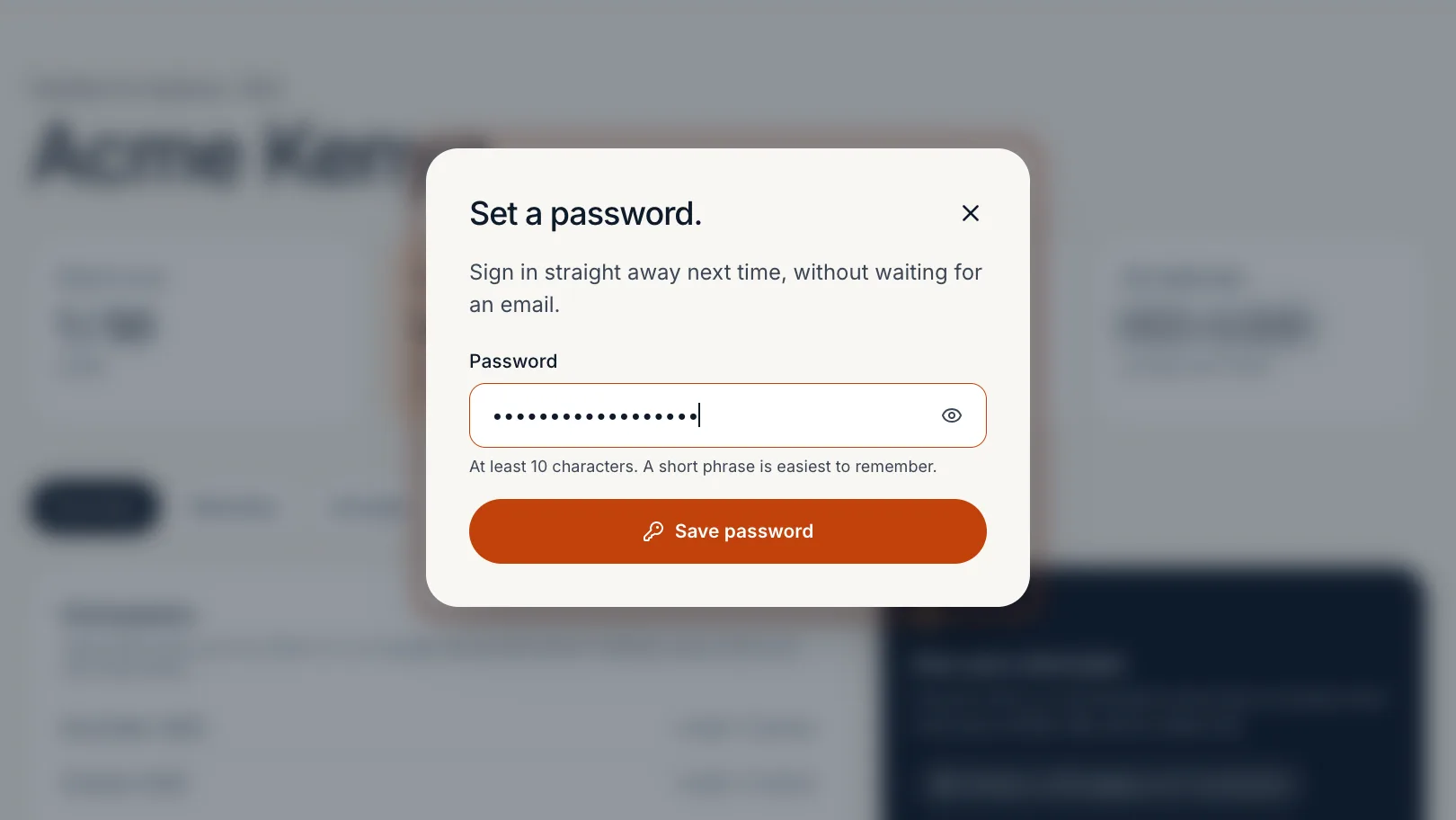
Choose a password
Type a password of at least 10 characters. Press the eye to check what you typed.
- 5
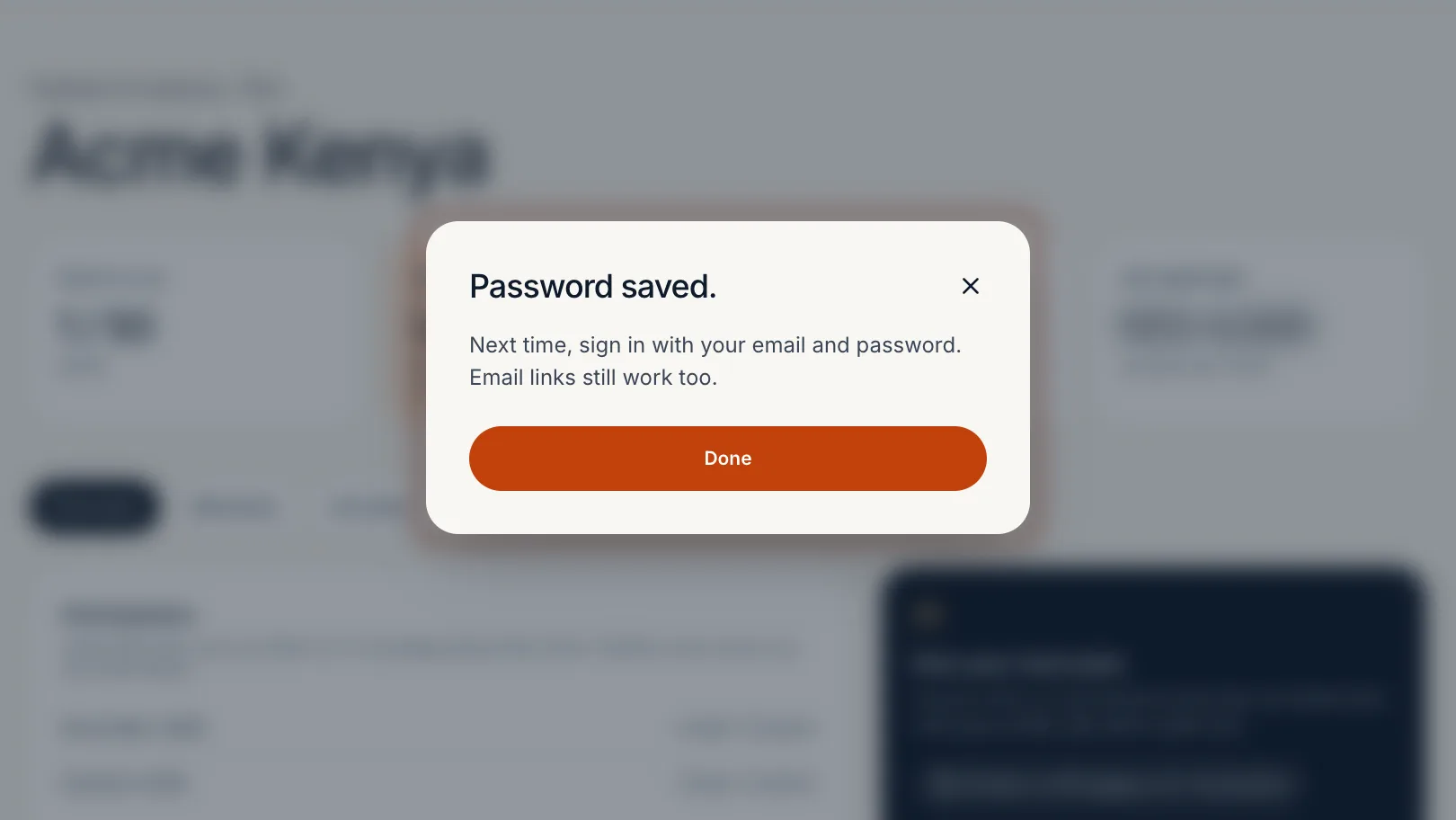
Save it
Press Save password. Next time, sign in at flexpass.africa/business with your email and password. Forgot it? Choose “Forgot your password?” on the sign-in page, or sign in with an email link.
Updated 22 November 2026. Screens may differ slightly from what you see.
More for hr teams
55 secAdd staff and remove a leaver
Let people without a work email join, and end a pass when someone leaves.
51 secChoose who can join
Let anyone with a company email join, or only the people on your staff list, then share the join link.
48 secRead your team’s report
See how many of your team trained each month, without ever seeing who went where.
43 secAdd another HR admin
Invite a colleague to manage FlexPass with you, and remove an admin who has moved on.