Loading…
Members 51 sec
 36 sec
 29 sec
 46 sec
 25 sec
Members
Check in at the gym.
Open your pass and show it at the front desk. That is all.
Step by step
- 1
Open your pass
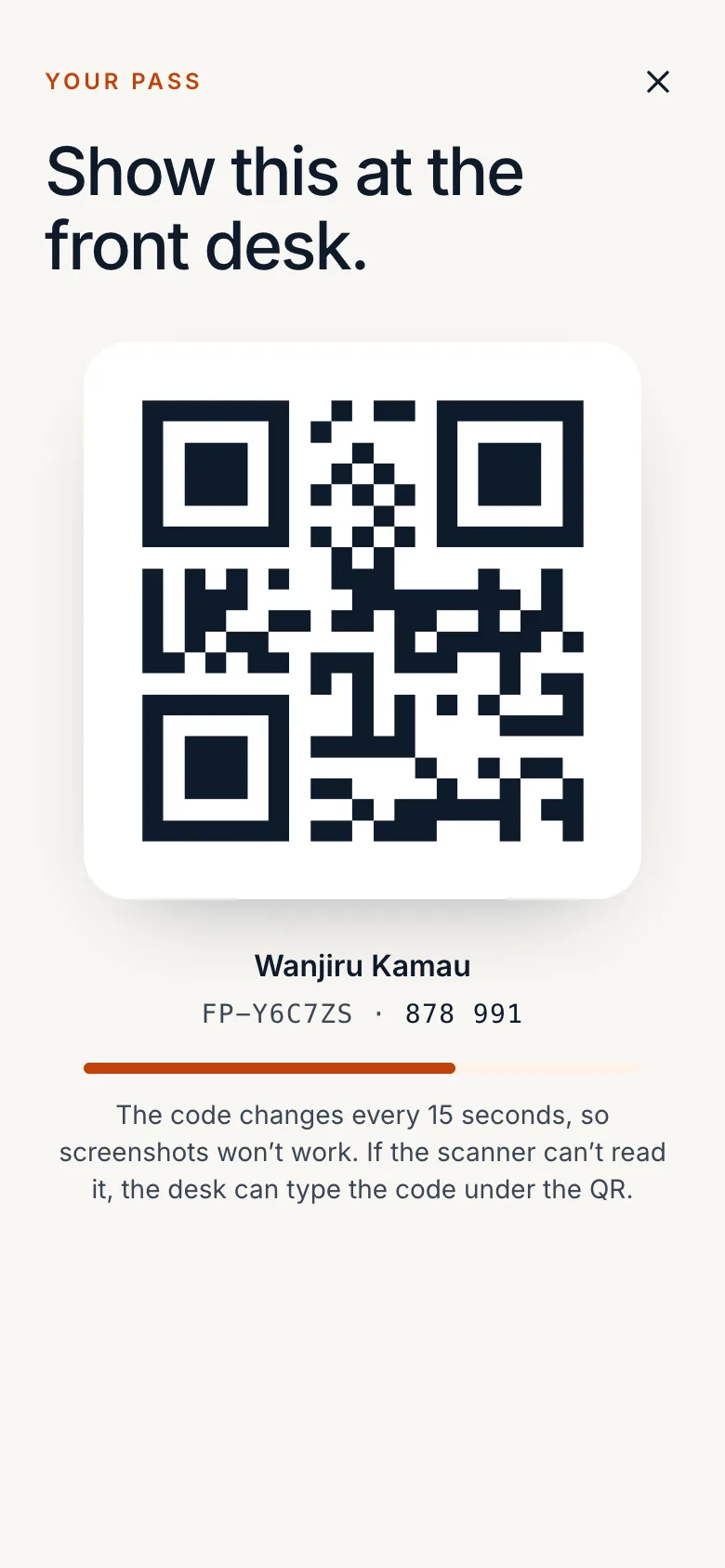
At the front desk, open flexpass.africa/app and press Show my pass.
- 2
Show it to the desk
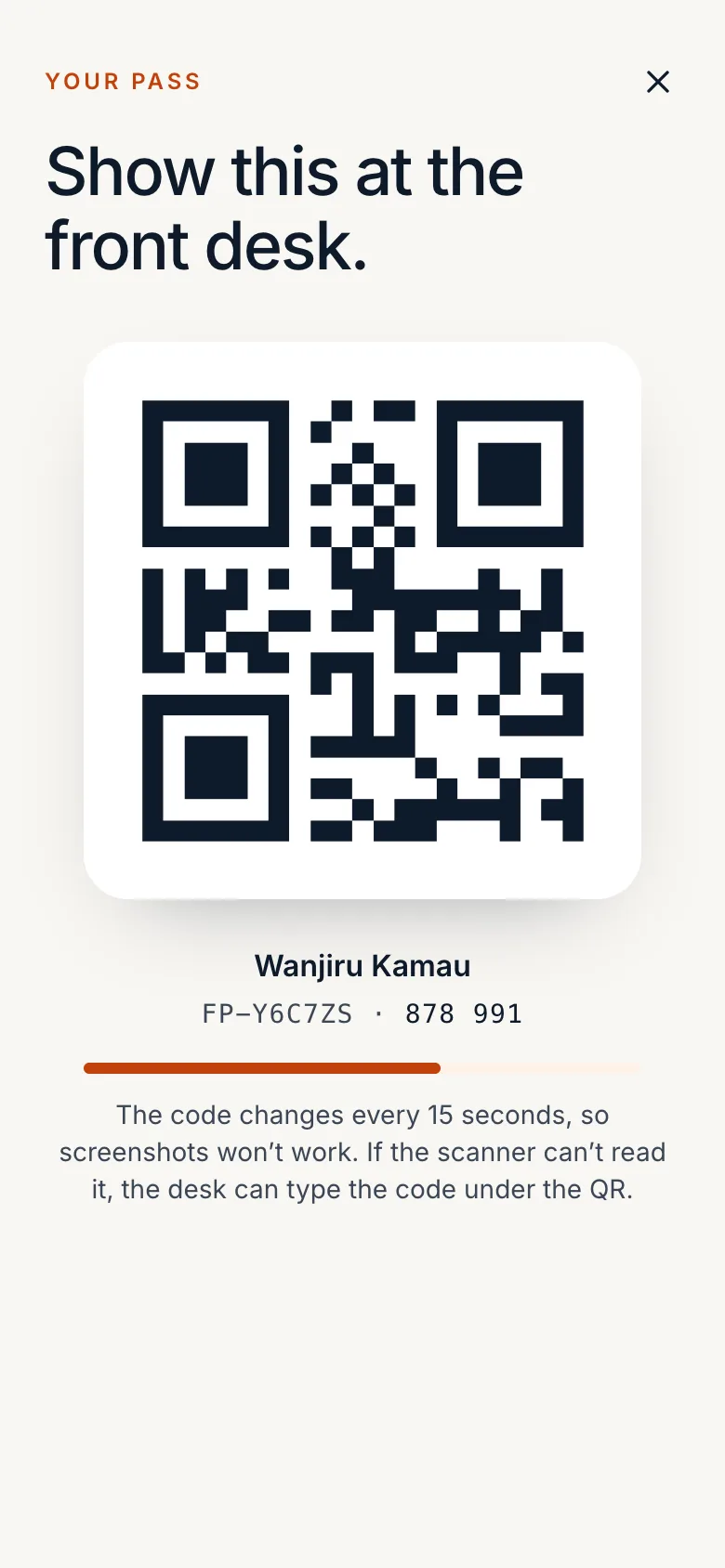
The desk scans the QR code. The code changes every 15 seconds, so a screenshot won’t work. If the scanner can’t read it, read out your member code and the six digits under the QR code.
- 3
You’re in
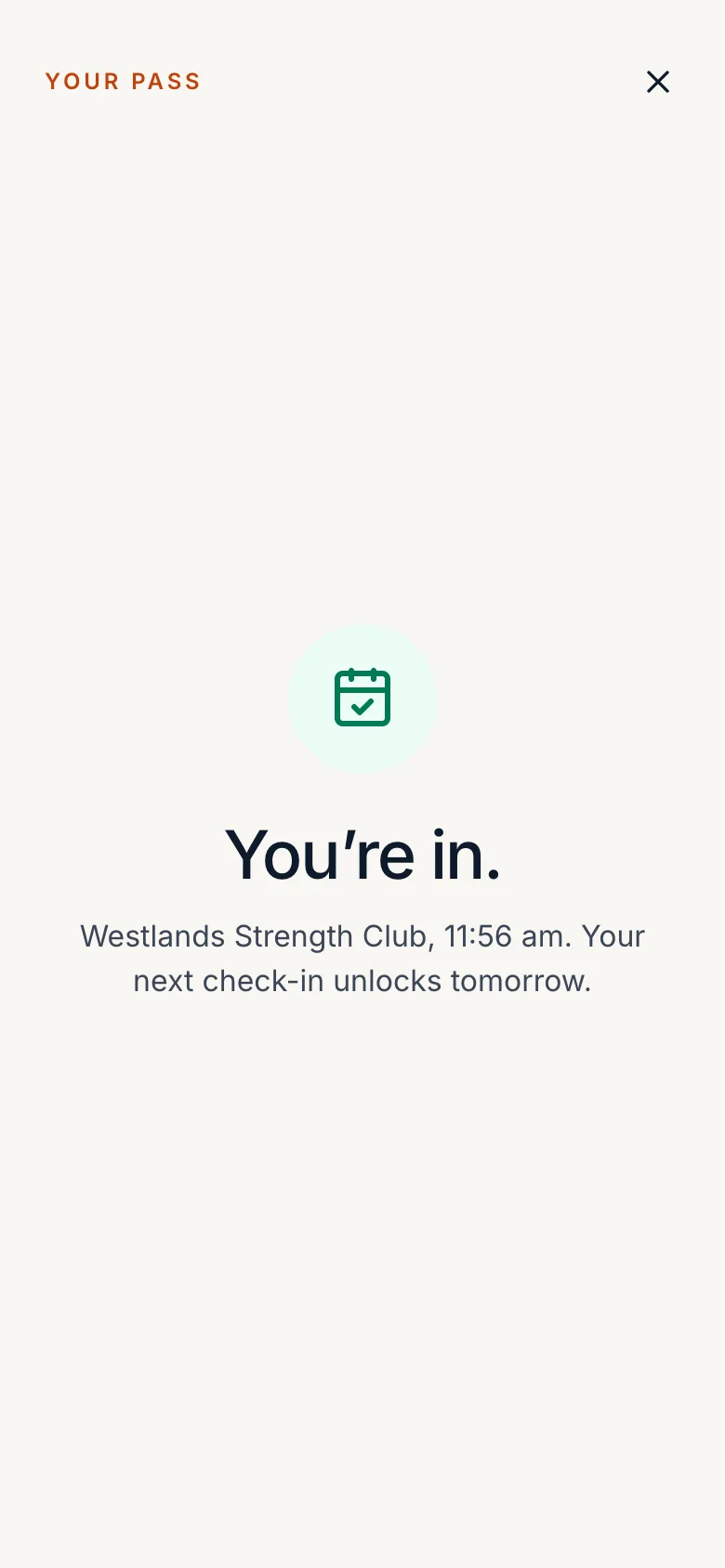
When the desk scans you, your phone shows “You’re in.” You get one check-in a day across all partner gyms. On a Standard plan, premium gyms have a monthly limit; the app shows how many you have left.
Updated 22 November 2026. Screens may differ slightly from what you see.
More for members
51 secActivate your pass
Get your FlexPass with your work email in about two minutes.
36 secSign in to your pass
Sign in with your password, or with a code we email you.
29 secUse your pass without signal
Open your pass once with a connection, and it works in a basement gym too.
46 secBook a trainer or therapist
Ask for a session, then pay in the app by M-PESA or card once they accept.
25 secSet your monthly goal
Choose how often you want to train, and track it on your dashboard.